


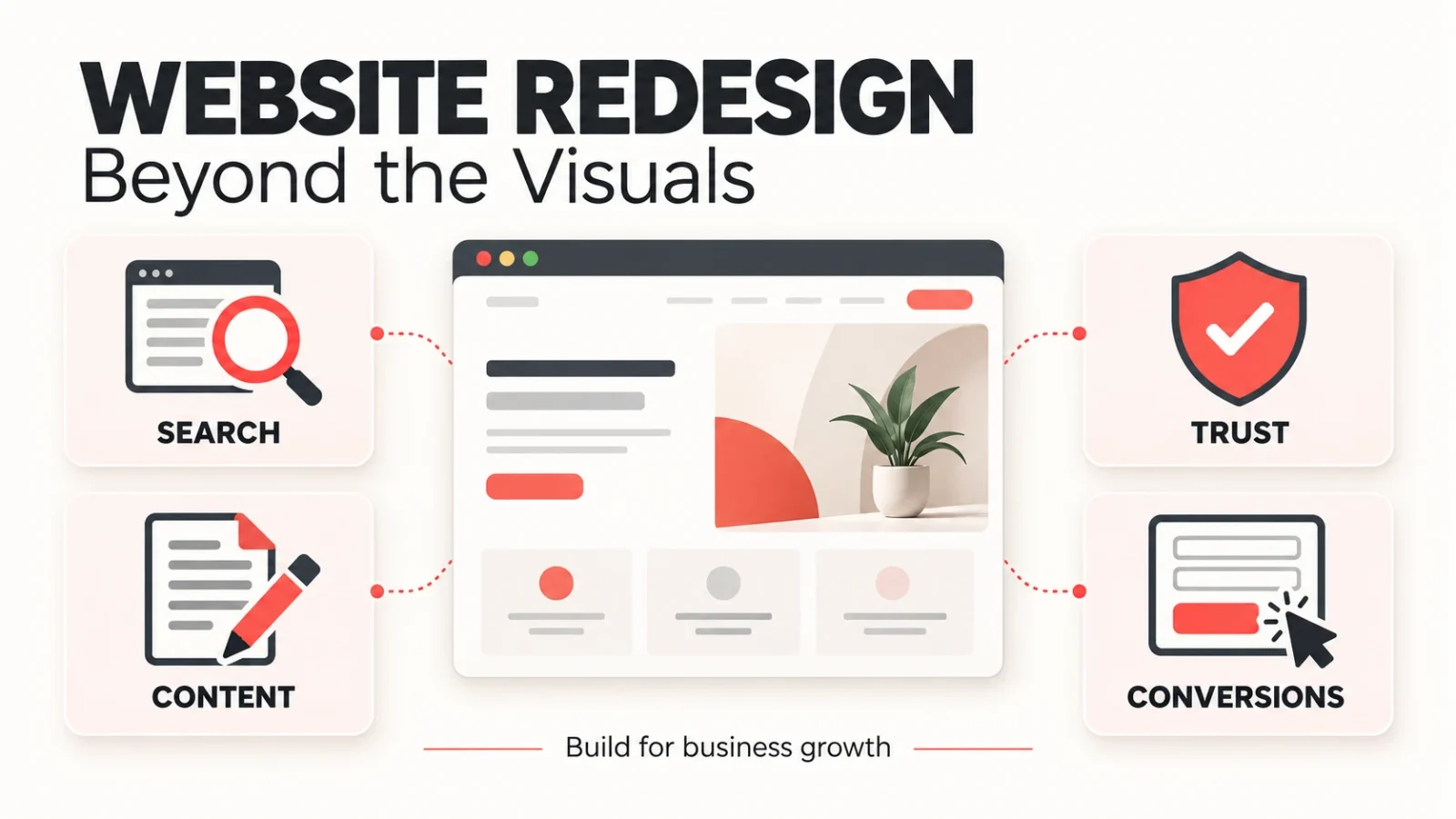
A website redesign gives your business a chance to make a stronger first impression. Updated visuals, better typography, and a more polished layout all matter. But the decisions that determine whether the investment pays off often happen before anyone chooses a color palette.
Can a potential customer find the service they need? Does the page explain why your company is a good fit? Will the inquiry reach someone who can respond? Can your marketing team keep the site useful as the business grows?
A website redesign strategy is a plan for improving your site’s content, structure, design, and functionality around specific business goals. It identifies what already works, what needs to change, and how you will evaluate the result.
At Web Loft Designs, our published process starts with understanding the business and planning each page’s purpose. That foundation helps connect the finished design to the work the website needs to do.
What Should a Website Redesign Strategy Actually Improve?
Start by identifying the problem that prompted the project. Your business may have added services that the current website barely mentions. Your sales team may spend time explaining information customers should be able to find online. Or visitors may reach relevant pages but struggle to request a quote.
Each problem calls for different work. A visual refresh can update the presentation of a site whose content and functionality remain useful. A broader redesign may change page organization, messaging, and customer journeys. A platform or domain migration introduces additional technical planning.
The scope should follow the problem. Sometimes improving a few important pages is enough. Other times, the limitations run through the site and justify a rebuild.
A useful brief connects proposed changes to outcomes:
| Proposed change | Business problem to solve | How to evaluate it |
|---|---|---|
| Reorganize navigation | Visitors cannot find the right service | Test whether representative users can find relevant information |
| Rewrite service pages | Prospects do not understand your offer or suitability | Review customer feedback and the relevance of incoming inquiries |
| Improve inquiry forms | Customers encounter friction or requests reach the wrong team | Test successful submissions, delivery, and follow-up |
| Improve content management | Routine updates require costly workarounds | Confirm that the team can complete common publishing tasks |
Start With Business Goals and Customer Decisions
Define the Action That Matters to Your Business
“Generate more leads” needs a clearer definition before it becomes a design requirement. The goal is to make sure your website speaks to the customers you want to reach, for example:
- Law firms: inquiries about specific practice areas from people the firm can serve.
- B2B companies: demo requests from businesses that meet their customer profile.
- Local service providers: quote requests for relevant work within their service area.
Form submissions are important, but what really matters is getting the right inquiries. Define what a qualified lead looks like so your website can help the right visitors recognize that your services are a good fit.
Turn Customer Questions Into Website Requirements
Sales and customer service teams can identify the questions that repeatedly come up before someone buys:
- What is included in the service?
- Who is this service for?
- Where do you operate?
- What happens after I contact you?
- What evidence supports your claims?
Map those questions to pages before approving layouts. A prospect comparing providers may need a relevant project example. Someone ready to inquire may need an explanation of the consultation process. Existing customers may need a direct route to support.
The brief should also cover practical responsibilities: who supplies content, who approves it, who receives inquiries, and who maintains the site. These decisions affect whether the new website can keep serving the business after launch.
Make Information Easier to Use Without Removing What Customers Need
A cleaner interface can make a detailed website easier to understand. The challenge is organizing information so visitors can find the depth they need without facing every option at once.
Give Important Services a Clear Destination
Consider a hypothetical B2B company with several distinct solutions. Combining them into one short “Solutions” page may leave buyers uncertain about which offer applies to them. Dedicated pages can explain each solution’s use cases, requirements, and next steps.
Those pages do not all need separate top-level menu items. A well-organized overview can guide visitors toward the details that matter to them. Our guide to scaling website architecture explores how to keep that structure manageable as a business grows.
Place Proof Beside the Decision It Supports
A testimonial is more useful when its context is clear. A relevant project can show how your team approaches a particular challenge. An employee bio can establish the expertise behind a service. A process explanation can help a prospective customer understand what working with you involves.
Choose evidence that addresses the visitor’s question and place it where that question arises. The design should make the relationship easy to recognize.
Protect Search Visibility Before the Design Changes Go Live
Before changing the site, identify the pages that attract relevant search visitors, earn links, and support inquiries. Their value can be easy to overlook when a redesign is reviewed mainly through homepage mockups.
Keep useful URLs when there is no business or technical reason to change them. Review existing content before shortening or removing it. A page may answer an important customer question even if its current presentation needs work.
If URLs change, plan permanent redirects to relevant replacements, update internal links, and check canonical URLs and sitemaps. Production pages intended for search should also be accessible for crawling and indexing. Our website redesign checklist provides a practical starting point for the launch plan.
A responsible migration plan reduces avoidable risks, but it cannot guarantee an unchanged traffic graph. Google’s site-move guidance notes that search visibility can fluctuate as changed URLs are processed. Establish a baseline and monitor the transition so genuine problems can be identified quickly.
Design the Full Path From Visitor to Qualified Inquiry
Match Calls to Action to the Page and the Customer
A visitor researching a problem may want to explore the relevant service before speaking to anyone. Someone reviewing a detailed service page may be ready to request a quote. The next step should fit the page’s purpose and explain what the visitor can expect.
Forms should collect the information the business needs to respond effectively. Removing unnecessary fields can help, but the shortest possible form is not always the most useful. A project location or service selection may help route the inquiry and prevent an unproductive exchange.
Test What Happens After the Form Is Submitted
Follow the entire inquiry path during testing, including what happens behind the scenes:
- Mobile usability: Can someone complete the form on a phone without layout or input problems?
- Error handling: Do validation messages explain what needs to be corrected?
- Confirmation: Does a successful submission tell the customer what happens next?
- Delivery: Does the inquiry arrive in the intended inbox or business system?
- Ownership: Does the receiving team know who is responsible for following up?
Analytics should distinguish interest from a completed action. A button click can reveal intent, but a failed submission should not be counted as a successful inquiry. Test tracking against the actual submission outcome.
These checks connect the customer experience to sales operations. Our article on turning website traffic into conversions explains why attracting visitors and helping them act need to work together.
Build a Website Your Marketing Team Can Keep Improving
The site will need new information after launch. Services evolve, team members change, and customers ask new questions. Content management should make those routine updates practical.
Include everyday publishing tasks in the project requirements. Confirm that your team can:
- Update service descriptions as your offering changes.
- Add relevant projects and supporting content.
- Keep team bios and contact information current.
- Create landing pages using approved layouts.
Reusable page structures and a clear handoff can make those tasks easier without rebuilding the layout for each update.
Our website design and development process includes planning, development and QA, launch, and training. Agree on the handoff and ongoing responsibilities during scoping so the team understands how the website will be maintained.
Where Does AI Search Fit Into a Website Redesign?
AI-assisted discovery adds another reason to explain your business clearly. Service details, accurate company information, relevant expertise, and useful supporting content give visitors a stronger destination when they arrive.
For Google’s AI Overviews and AI Mode, Google states that existing SEO fundamentals remain relevant. It does not require special AI schema or new AI text files to appear in those features. Its guidance emphasizes accessible content, internal links, useful text, and structured data that matches what the page actually says.
That guidance applies to Google’s features; other platforms have their own discovery systems. Clear information is a sound foundation, but it does not guarantee a citation or recommendation from an AI assistant.
Measurement also needs care. A referral visit from an assistant, a mention in an AI answer, and a Google search click are different observations. Some AI interactions never produce a visit. Evaluate identifiable referral traffic where available, alongside the site’s broader search performance and verified inquiries.
How Do You Know Whether the Redesign Worked?
Record the starting point before launch: relevant organic traffic, important landing pages, confirmed inquiries, and any available lead-quality information. Check that the tracking setup measures the same actions before and after the change.
At launch, verify essential functions immediately. Broken forms, unexpected indexing restrictions, and incorrect redirects require prompt attention. Over the following weeks, review trends by source and page purpose:
- Are important service pages maintaining or gaining relevant visibility?
- Can visitors find answers and complete the intended next step?
- Are inquiries reaching the team and fitting the business’s customer profile?
- Can staff keep content accurate without unnecessary workarounds?
Use comparable periods and consider seasonality, advertising changes, and shifts in search demand. An increase after launch is encouraging, but timing alone does not prove the redesign caused it. Investigate which pages, channels, and customer actions changed.
Questions to Ask Before Your Next Redesign
Before reviewing mockups, make sure your team and website partner can answer these questions:
- Which business and customer problems should the project solve?
- Which existing pages, content, and search pathways need to be protected?
- What information will help prospects decide whether we are a good fit?
- What happens when someone submits an inquiry?
- How will we measure performance and keep the site useful after launch?
Clear answers make design reviews more productive. Your team can judge a layout by how well it supports the customer and the business, alongside how it looks.
Frequently Asked Questions
What is the difference between a website refresh and a redesign?
A refresh typically updates visuals and selected layouts while keeping the underlying structure and functionality. A redesign can also change content, navigation, page organization, and customer journeys. The right scope depends on the problems you need to solve; a dated appearance alone does not always justify a full rebuild.
Can a website redesign improve SEO?
It can create opportunities to improve useful content, internal linking, technical accessibility, and the experience on important landing pages. Results depend on what changes and how the transition is managed. Identify existing search assets before making changes, and monitor performance after launch rather than assuming a new design will automatically improve rankings.
Do we need to change our URLs during a redesign?
No. You can often update design and content while keeping useful URLs. If an address must change, redirect it permanently to a relevant replacement and update links and other URL references. A redesigned appearance does not, by itself, require a new URL structure.
Does a website redesign require a new CMS?
No. Keep the current CMS if it supports your content, integrations, editing needs, and planned functionality. Consider a platform change when those requirements cannot be met reasonably within the existing setup. Evaluate the added migration work alongside the expected benefit.
Should AI search be part of a website redesign strategy?
It belongs in discovery and measurement planning, with expectations suited to your business. Start with clear service information and content that can be accessed and understood. Google’s AI features use existing SEO foundations; other assistants have different systems. No redesign can guarantee that an AI answer will mention or recommend your business.
How soon should we measure results after launch?
Test forms, tracking, redirects, and indexing settings immediately. Then monitor trends over the following weeks and months against a comparable baseline. The time needed to judge business impact depends on traffic, seasonality, and your sales cycle. Fix functional problems promptly rather than waiting for a reporting milestone.
Planning a redesign? Explore website design and development with Web Loft Designs and tell us what your website needs to achieve. We can help shape the scope around your goals, content, and customer journey.