


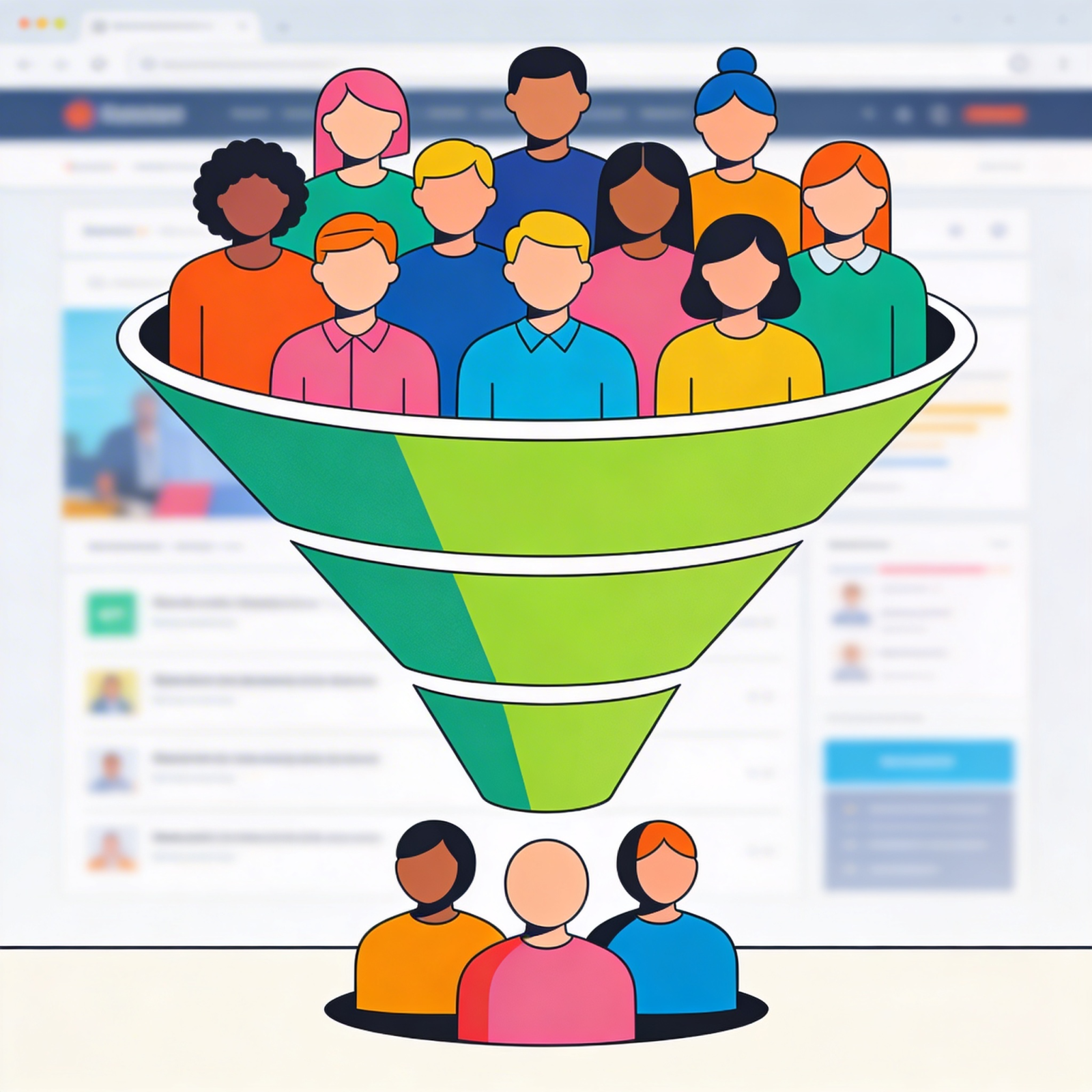
Getting website traffic but no leads? Start by checking whether the right visitors are reaching the right pages, whether those pages explain your offer clearly, and whether visitors can complete the next step. More traffic can support growth, but it will not repair a broken form or make an irrelevant offer more useful.
This guide explains how to separate a traffic problem from a conversion problem and choose the first improvements to make. The goal is more qualified inquiries from the opportunities your website already receives.
Website Traffic vs. Conversion: What Is the Difference?
Website traffic measures visits. A conversion is a defined action, such as a completed quote request, a booked consultation, or a purchase. For a service business, a form submission is usually the start of a sales conversation, rather than a completed sale.
Track both the number of inquiries and their quality. Twenty submissions from people outside your service area can be less valuable than five inquiries from businesses that need your services and have a suitable budget.
For a simple session-based lead conversion rate, divide sessions that produced a valid inquiry by total sessions and multiply by 100. Use the same definition each time you compare results. Counting every event can inflate the rate if one visitor submits repeatedly.
Illustrative example: 1,000 sessions producing 10 inquiries represent a 1% rate if each inquiry comes from a different session. At the same traffic quality and conversion rate, 2,000 sessions could produce 20 inquiries. Improving the rate to 2% could also produce 20 inquiries from the original 1,000 sessions. Neither example guarantees revenue: lead quality and the sales process still matter.
Why Your Website Gets Traffic but No Leads
A low inquiry count can have several causes. Use this table to form a hypothesis, then check the evidence before making changes.
| What you notice | What to investigate | First action |
|---|---|---|
| Traffic grows, but service-page visits do not | Landing pages, search queries, visitor locations, and links from informational content | Connect relevant articles to the next useful service or decision page. |
| Visitors arrive on a service page but rarely take the next step | Offer clarity, search intent, proof, and CTA visibility | State who the service is for, what it delivers, and how to get started. |
| Visitors start forms but do not finish | Mobile usability, required fields, validation errors, and submission failures | Test the complete form and remove fields that are unnecessary at this stage. |
| Analytics reports no leads, but inquiries reach your inbox | Event setup, consent behavior, duplicate or missing events, and confirmation handling | Verify a successful submission against both analytics and the receiving system. |
| Submissions increase, but few leads are suitable | Spam, service fit, location, budget, and campaign messaging | Clarify eligibility and evaluate qualified inquiries separately. |
| Qualified leads arrive, but sales remain low | Response time, follow-up, proposal fit, and reasons opportunities are lost | Review the sales handoff alongside website performance. |
Search impressions alone do not reveal a conversion problem. A person must reach your website before its on-page experience can influence their next action. Low clicks from high impressions call for a search visibility and relevance review; low inquiries from relevant visits call for a closer look at the landing page and funnel.
1. Check That Inquiries Are Being Measured
Before rewriting the page, submit a test inquiry on desktop and mobile. Confirm that the form succeeds, the message reaches the intended team, and the completion is recorded correctly. Check appointment booking and other inquiry routes separately.
Google Analytics recommends the generate_lead event for submitted forms or information requests. It requires implementation; it is not automatically collected just because GA4 is installed. See Google’s recommended event documentation.
A click on a submit button is not proof that an inquiry was received. Measure confirmed success where possible, and check that refreshing a confirmation page does not create additional leads. Keep personal information such as names, email addresses, and message contents out of analytics events.
2. Match the Landing Page to Visitor Intent
Look at the pages people enter through and the questions those pages answer. Someone researching a general topic may need an explanation or comparison. Someone searching for a service provider may need scope, relevant work, location, and a clear way to inquire.
For example, a contractor researching website options needs to see how the site will present projects, explain capabilities, and support quote requests. A broad statement about creativity does not answer those practical questions.
- Compare organic landing pages with relevant query patterns in GSC. Page and query totals alone do not prove an exact query-to-visit relationship.
- Check whether campaigns promise something the destination page actually delivers.
- Separate traffic from your target market from unrelated locations or topics.
- Give informational visitors a relevant next step, such as a detailed guide, project example, or service explanation.
For a deeper implementation checklist aimed at longer business buying journeys, read our conversion rate optimization guide for B2B websites.
3. Explain the Offer and Build Trust
Your landing page should help a prospective customer understand the service, decide whether it fits, and know what happens next. Review the opening section, then the information available before the inquiry form.
- Offer: Explain what you deliver and who it is designed for.
- Scope: Describe included work, important requirements, and relevant limitations.
- Proof: Show related projects and attributable customer feedback.
- Process: Explain the steps after an inquiry and how a project begins.
- Next action: Use a specific CTA such as “Request a project quote” when that is the actual next step.
Use examples that help a visitor assess fit. Our CIMA Contractors project, for instance, gives construction prospects a relevant website example to explore. A portfolio demonstrates delivered work; numerical claims about lead or revenue improvements require separate evidence.
4. Remove Friction from the Next Step
Follow the journey from the landing page to a successful inquiry. Test on a phone, where a long form, overlapping widget, or hard-to-use menu may be easier to notice.
- Make the main CTA easy to find and ensure it reaches the intended destination.
- Ask for information needed to respond or assess fit. Explain why sensitive or detailed information is required.
- Use clear field labels and useful error messages. Preserve entered information when validation fails.
- Check that phone and email links work and that forms remain usable with the keyboard.
- Confirm the submission and explain the next step without promising a response time your team cannot meet.
Fewer fields are not always better. A budget or service-location question can help qualification when it is necessary. The aim is to remove unnecessary effort while collecting enough information for a useful response.
What Should You Fix Before Increasing Traffic?
Start with failures that prevent an inquiry, then prioritize relevant pages that already receive visits. Use the evidence to decide whether the next investment belongs in acquisition, the page experience, or the sales process.
- Repair broken journeys: Fix failed submissions, inaccessible controls, and incorrect CTA destinations.
- Verify measurement: Establish a reliable baseline for successful inquiries.
- Improve one valuable landing page: Address its clearest intent, proof, or form problem.
- Evaluate the outcome: Compare valid and qualified inquiries before extending the change.
- Expand relevant acquisition: Increase traffic where the offer and journey support suitable prospects.
When visits are limited, one additional submission can move the conversion rate substantially. Treat small changes cautiously. A focused usability review can be more useful than an A/B test that cannot collect enough observations to inform a decision.
Measure Qualified Inquiries and Business Results
Compare equivalent periods and account for campaign changes, seasonality, and sales-cycle length. Break results down by landing page, source, and device where the data supports a meaningful comparison.
- Relevant visits: Are intended prospects reaching the pages that support a decision?
- Valid inquiries: How many confirmed submissions remain after removing spam and tests?
- Qualified-lead rate: What share of valid inquiries meets your agreed criteria?
- Sales progression: Do qualified inquiries become meetings, proposals, and customers?
Heatmaps and session recordings can suggest where visitors struggle, but they do not prove why someone left. Combine observed behavior with form tests, customer feedback, and lead records. Mask form inputs and configure recording tools around your consent and privacy requirements.
More traffic and better conversion can work together. The practical question is which change will create more qualified opportunities at an acceptable cost for your business.
Frequently Asked Questions
Why am I getting website traffic but no leads?
Possible causes include irrelevant traffic, a landing page that does not answer buying questions, missing proof, form failures, or inaccurate tracking. Check successful inquiry delivery and visitor intent first, then examine the page and form journey.
Should I invest in SEO or conversion optimization first?
If suitable visitors already reach a page but encounter clear barriers, fix those barriers. If few relevant prospects reach the site, acquisition may also need attention. Use traffic quality and funnel evidence to prioritize both.
What is a good conversion rate for a service website?
There is no single target that fits every service, traffic source, and conversion definition. Establish your own baseline, define a valid inquiry consistently, and evaluate whether improvements produce more qualified opportunities.
Will doubling website traffic double revenue?
It can if traffic quality, conversion rate, sales close rate, and customer value remain comparable. It may not if new traffic is less relevant or the team cannot handle additional inquiries. An unchanged website conversion rate does not itself prevent revenue growth.
Can a website generate more leads without more traffic?
Yes, when relevant visitors already arrive and there are fixable barriers. Clearer service information, useful proof, working forms, and a suitable next step can improve the opportunity to inquire. The actual outcome must be measured.
Make Your Existing Website Traffic More Useful
If your website attracts visitors but few suitable inquiries, start with a clear diagnosis. Identify the pages people enter through, verify the inquiry journey, and fix the barrier with the strongest evidence.
Tell Web Loft Designs about your website and conversion goals so we can discuss the next steps for your business.