


A website migration is the moment your old site’s search history is either carried forward or left behind. When the URL structure changes, every product page, blog post and landing page that search engines and visitors already know needs a clear path to its new home. When Nestron, a modular home company, moved to a new WordPress and WooCommerce website with a completely new URL structure, that path had to be planned page by page.
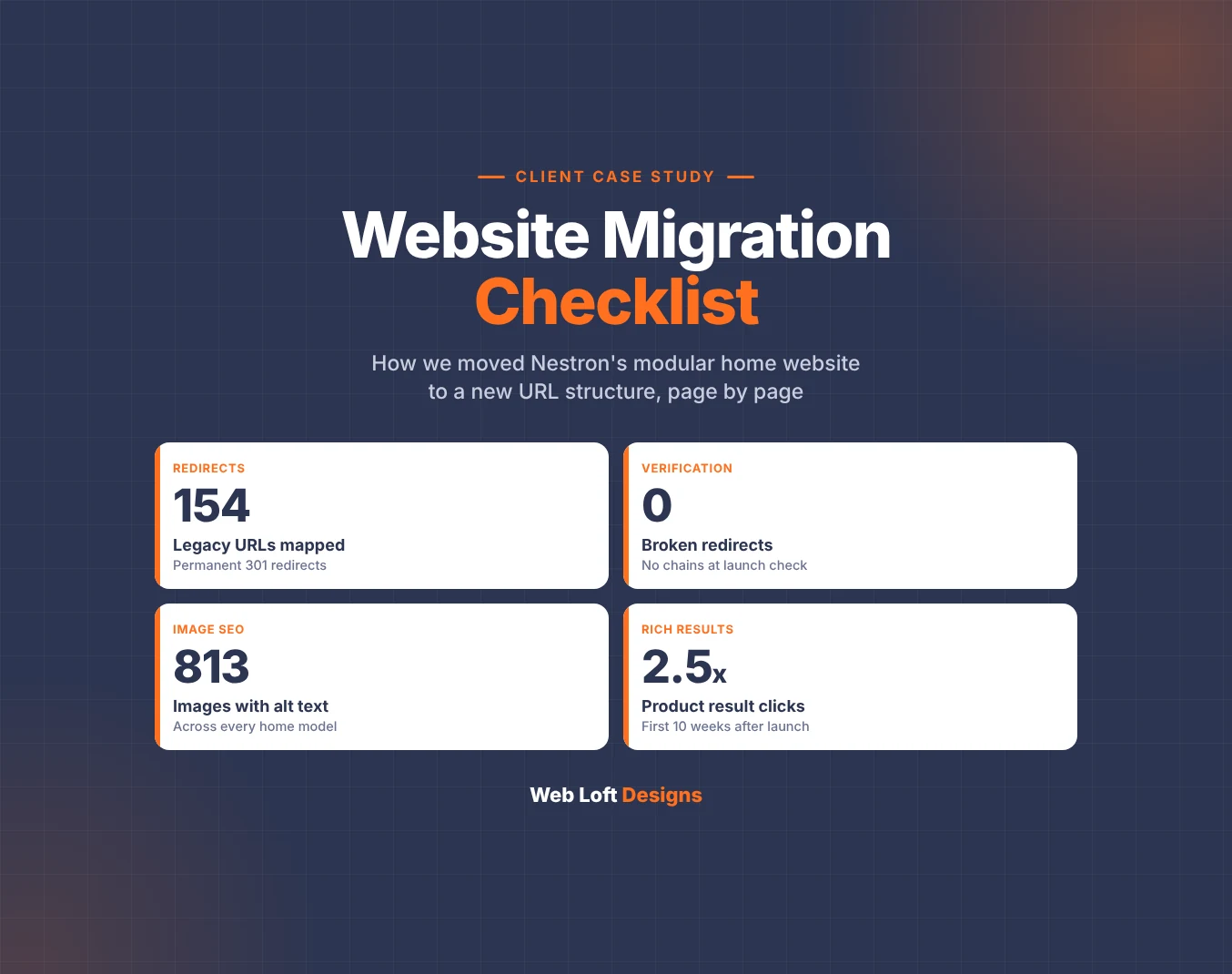
The short answer: A website migration checklist covers four stages: inventory and map every existing URL before you build, carry over SEO elements during the build, verify every redirect at launch, and monitor search data after launch. For Nestron, that process meant mapping 154 legacy URLs with permanent 301 redirects, verifying that each one resolved in a single step to a live, indexable page, adding descriptive alt text to 813 images and structuring product pages for Google’s product rich results.
The Migration at a Glance
| Item | Result |
|---|---|
| Legacy URLs redirected with 301s | 154 |
| Blog posts included in the redirect map | 94 |
| Redirect destinations | 113 |
| Redirects pointing to the homepage | 3 of 154 |
| Broken redirects or redirect chains at post-launch check | 0 |
| Images given descriptive alt text | 813 |
| Product rich result clicks (10 weeks after launch vs. 10 weeks before) | 97 vs. 39 |
| Product rich result average position (same periods) | 6.1 vs. 12.3 |
The Project: A New Site and a New URL Structure for Nestron
Nestron builds fully prefabricated, ready-to-live modular homes. Its previous WordPress website had outdated software, poor PageSpeed scores and mobile usability issues, and it needed to support a more complex buying process: individual homeowners placing reservation deposits, and developers and institutional buyers requesting consultations.
Web Loft Designs rebuilt the site on custom WordPress and WooCommerce, launching it in September 2026. The new build reorganized the entire site around how buyers explore homes, which meant the URL structure changed along with it:
- Home models that previously lived under /portfolio/ and /models/ moved to WooCommerce product URLs under /product/.
- Blog posts moved from /blogs/ to the root of the site.
- Company and partner pages were consolidated into fewer, clearer pages, such as a single page for investors and strategic partners and one for developers and bulk orders.
Without redirects, every one of those old URLs would have returned a 404 error to visitors and search engines.
Our Website Migration Checklist
These are the steps we followed for Nestron. You can use the same checklist for any migration that changes your URL structure, whether it’s a redesign, a platform change or a site consolidation.
Before the Build: Inventory and Map
- Collect every URL that matters. Combine a full crawl of the current site with the pages that earn clicks in Google Search Console and any URLs with backlinks. Include blog posts, old campaign pages and downloadable files like PDFs, which are easy to miss.
- Plan the new structure first. Decide where each type of content will live on the new site before writing a single redirect.
- Map redirects one to one. Match each old URL to the new page that best serves the same intent, not just the closest URL pattern.
- Avoid sending everything to the homepage. A homepage redirect tells visitors and search engines very little about what replaced the original page. For Nestron, only 3 of 154 redirects point to the homepage, and all three were old versions of the homepage itself.
During the Build: Carry Over SEO Elements
- Keep the content that earned rankings. Migrate page titles, meta descriptions, headings and body content for pages that already perform.
- Add descriptive alt text. Nestron’s product lines include visually similar homes, so we wrote specific alt text for 813 images to describe each model accurately.
- Structure product pages for rich results. Building home models as WooCommerce products made them eligible for Google’s product rich results.
- Test on staging. Review navigation, forms and checkout before launch.
At Launch: Verify Every Redirect
- Implement permanent 301 redirects. Temporary redirects don’t signal that a page has moved for good.
- Crawl the old URLs right after launch. For Nestron, we crawled all 154 legacy URLs and confirmed that each returned a 301 redirect that landed in a single step on a live (200), indexable page.
- Check for redirect chains. Chains of multiple redirects slow pages down and dilute signals. Point each old URL directly at its final destination.
- Submit the new sitemap in Google Search Console and confirm analytics and conversion tracking are working on the new site.
After Launch: Monitor and Fix
- Watch the Page indexing report. Google will surface old URLs that weren’t in the original inventory, such as outdated links from other sites. Add redirects for any that matter.
- Compare performance against a baseline. Use equal date ranges before and after launch, and compare year over year to account for seasonality.
- Track rich results. In Nestron’s first ten weeks after launch, product rich results earned 97 clicks compared with 39 in the ten weeks before, and their average position improved from 12.3 to 6.1.
What a Redirect Map Looks Like
A redirect map is simply a list of every old URL and the new URL it should point to. Here are a few real examples from Nestron’s map:
| Old URL | New URL | Why |
|---|---|---|
| /portfolio/cube-one | /product/cube-one/ | Same home model, new product page |
| /models/legend-one | /product/legend-one/ | Duplicate model page consolidated |
| /blogs/7-most-popular-states-for-tiny-homes | /7-most-popular-states-for-tiny-homes/ | Same post, new blog URL structure |
| /get-a-quote | /request-a-quote/ | Same action, renamed page |
| /partnership/dealership | /developers-bulk-orders/ | Closest page for the same audience |
The last example shows why mapping is a judgment call, not a find-and-replace exercise. The old dealership page didn’t have an exact match on the new site, so we pointed it to the page that serves the same audience.
Common Website Migration Mistakes
- Mapping from a crawl alone. A crawl only finds pages that are linked internally. Search Console and backlink data reveal pages that still earn traffic but aren’t linked anymore.
- Forgetting files and old campaign pages. PDFs, old landing pages and author archives often carry links and traffic. Nestron’s old product catalog PDFs, for example, were redirected to the current online model catalog.
- Redirecting by pattern only. Bulk rules are useful, but every important page deserves a manual check.
- Skipping post-launch verification. Redirects that look correct in a spreadsheet can still break on the live server.
- Treating launch as the finish line. The weeks after launch are when new 404s, indexing issues and tracking gaps show up.
Frequently Asked Questions
What is a website migration checklist?
A website migration checklist is a step-by-step plan for moving a website to a new design, platform, domain or URL structure while preserving its search visibility. It typically covers URL inventory, redirect mapping, SEO carry-over, launch verification and post-launch monitoring.
What is redirect mapping?
Redirect mapping is the process of matching every URL on the old site to the most relevant page on the new site, so visitors and search engines are sent to the right place through permanent 301 redirects. For Nestron, that meant mapping 154 legacy URLs to 113 destinations.
Should every old URL redirect to the homepage?
No. Redirecting old pages to the homepage loses their relevance and can confuse visitors. Each old URL should point to the page that best matches its original purpose. Only use the homepage when there is truly no better match.
How do you check that redirects are working after launch?
Crawl the list of old URLs after the new site goes live. Each one should return a 301 status and land directly on a live page that returns a 200 status and is indexable, without passing through a chain of redirects.
How long should you monitor a site after migration?
Check daily for the first couple of weeks, then compare performance in equal date ranges before and after launch over the following months. Keep an eye on the Page indexing report, since Google can take weeks to surface every old URL.
Planning a Website Migration?
Whether you’re redesigning, changing platforms or reorganizing your URLs, we can plan your migration from URL inventory to post-launch monitoring. See the full Nestron project, read how we redesigned a 400+ location website without losing SEO, or get a free quote to talk through your project.