Key takeaways
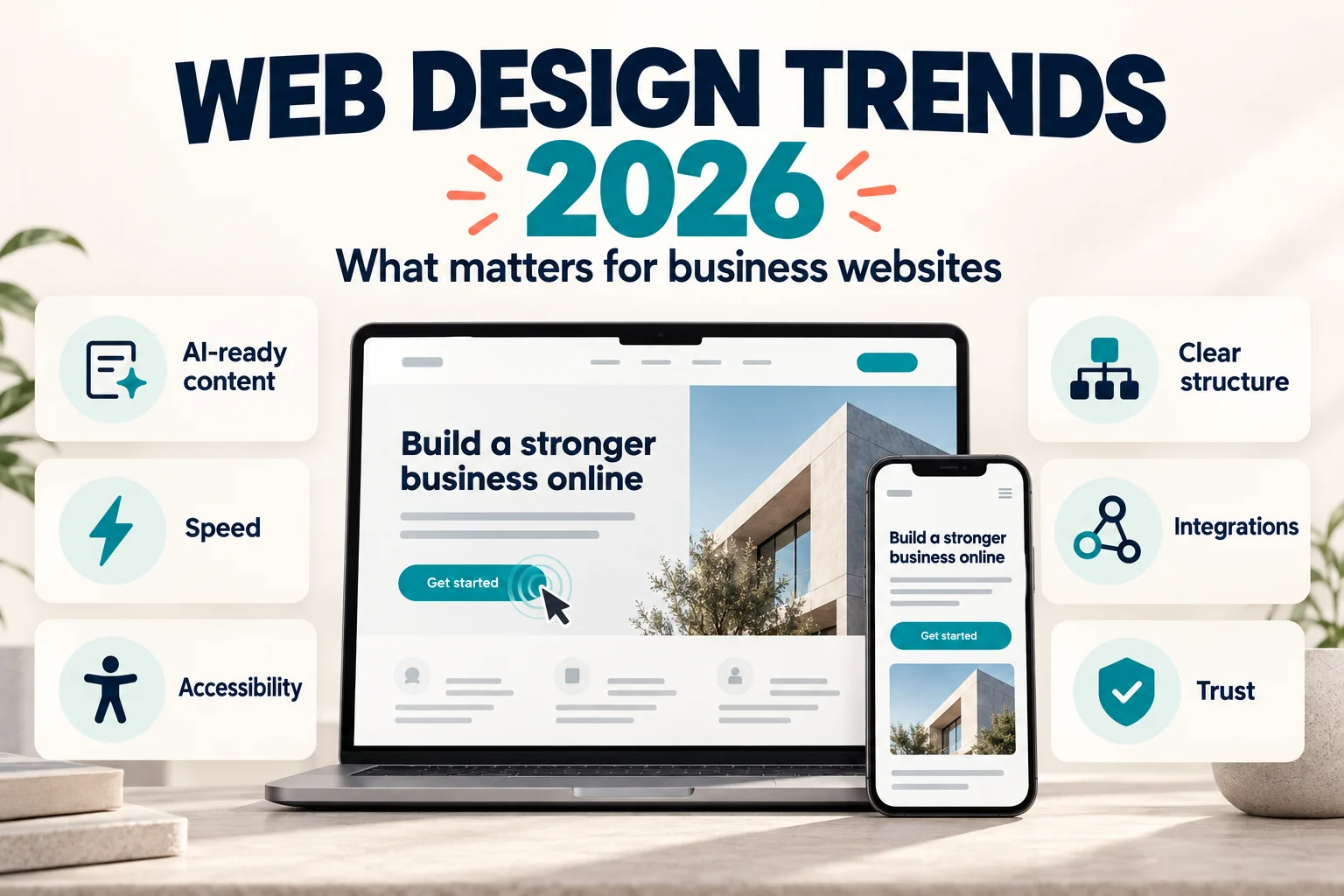
- Most of the trends that matter in 2026 are fundamentals done well: fast pages, accessible design, clear structure, and content that search engines and AI tools can read.
- Google says there are no special requirements or schema needed to appear in AI Overviews. Indexable pages with clear text answers and accurate structured data are what count.
- Federal website accessibility lawsuits rose to 3,117 in 2025, up from 2,452 in 2024. Accessibility is now a business risk, not a nice-to-have.
- More businesses are consolidating several websites into one clear site and connecting it to the tools they already run, such as CRM, payments, and event registration.
- Some popular trends, like heavy 3D effects or pages built around voice search, rarely pay off for a typical business website.
Most web design trend lists are written to fill a page. They mix ideas that will change how your website performs with effects that look good in a portfolio and do little for leads or sales.
This list is different. For each trend, we cover what it is, why it matters for a business website, where we have applied it in recent projects, and when you can safely give it lower priority. It is the same thinking we use when planning website design and development projects for manufacturers, healthcare providers, nonprofits, ecommerce brands, and professional service firms.
1. Websites built to be read by AI search, not just ranked
Google’s AI Overviews and AI Mode, ChatGPT, Perplexity, and similar tools now summarize answers before a visitor ever clicks. Your website is no longer only competing for a position on a results page. It is also competing to be the source an AI tool quotes.
The good news is that there is nothing exotic to buy. Google states that “there are no additional requirements to appear in AI Overviews or AI Mode,” and that there is no special schema.org markup you need to add (Google Search Central). What it recommends is the SEO foundation many sites still get wrong:
- Pages that can be crawled, indexed, and shown with a snippet.
- Important content written as text, not locked inside images, sliders, or PDFs.
- Headings that match the questions customers actually ask, with the answer in the first sentence underneath.
- Structured data that matches the visible text on the page.
- Consistent business details across your website and Google Business Profile.
This is why our recent articles open with key takeaways and close with real customer questions. A clear answer that a person can scan in ten seconds is also the answer an AI tool can quote. If you sell products online, our Shopify vs WooCommerce comparison covers how each platform handles this.
Lower priority if: nobody can skip this one, but it is not a separate project. It is good SEO and clear writing, done on purpose.
2. Speed and responsiveness are design decisions
Site speed used to be treated as a technical cleanup after launch. It now starts in design. Large hero videos, stacked sliders, heavy fonts, and a dozen third-party scripts are design choices, and each one has a cost.
Google’s Core Web Vitals also changed what “fast” means. Since March 12, 2024, Interaction to Next Paint (INP) has replaced First Input Delay as the measure of responsiveness (web.dev). A page can load quickly and still feel slow if buttons, menus, and forms lag when someone taps them.
Design for both screens. In the U.S., mobile and desktop traffic are now close to an even split, at 49.1% and 48.5% in September 2026 (StatCounter). Your own analytics matter more than the national average: a B2B manufacturer may see most quote requests from desktops, while a restaurant or salon may see the opposite.
What to do: agree on a page-weight budget before design starts, limit third-party scripts to the ones you actually use, and test key pages on a mid-range phone, not only on an office laptop.
3. Accessibility is a baseline and a legal risk
An accessible website works for people who use screen readers, navigate with a keyboard, or need stronger color contrast. It also reduces legal exposure. Federal website accessibility lawsuits rose to 3,117 in 2025, up from 2,452 in 2024, and that count does not include state court cases or demand letters (Seyfarth Shaw, ADA Title III).
The most common fixes are not glamorous:
- Text and buttons with enough color contrast.
- Menus, forms, and pop-ups that work with a keyboard alone.
- Descriptive alt text on meaningful images.
- Form fields with real labels and clear error messages.
- Captions or transcripts for video.
These are far cheaper to build in during design and development than to retrofit after launch. Our article on ADA and web accessibility legal requirements covers the legal side in more detail.
4. Fewer websites, clearer structure
Many companies have collected websites over the years: one per division, one per product line, a separate store, an old microsite nobody remembers launching. Each one splits search authority, duplicates content, and makes it harder for a customer to know where to go.
Consolidation is one of the most valuable projects a growing business can take on. For Consolidated Water, we brought five division-specific websites into a single WordPress platform organized around what customers need: utility services, manufacturing, and operations and maintenance. We mapped the legacy URLs and redirected each one so existing search visibility carried over to the new site.
The same idea works in ecommerce. Imaging Spectrum merged two ecommerce sites into one custom Shopify store, and has since seen a 78% increase in conversions and a 63% increase in revenue.
Lower priority if: you run one focused website. In that case, the same principle applies inside the site: fewer, stronger pages beat many thin ones.
5. The website as a business system
A modern business website is rarely just a brochure. It is where leads enter your CRM, where customers pay, where members renew, and where event attendees register. The most useful design work in 2026 often happens behind the page, in how the site connects to the tools you already use.
A few examples from our recent work:
- The Merge, a Dallas-area nonprofit, runs donors, events, an online shop, live streams, and subscriptions through a Neon CRM integration, with donations processed automatically.
- Follow My Fitness lets trainers sell subscriptions to their workouts and meal plans, with two payment gateways and an automated subscription service built into the platform.
- 1 Sam 2:8 handles conference registration, availability updates, and donations from the same site its team updates day to day.
Map these connections before design starts. Integrations affect both the timeline and the budget, which is why they are one of the first things to clarify when you compare custom website quotes.
6. Trust-centered user experience
Visitors decide quickly whether a business feels credible. In 2026, trust is built less by polish and more by clarity: real photos of your team and work, named people behind the business, reviews from real customers, and forms that ask only for what you need.
For some organizations, trust is the whole brief. 1 Sam 2:8 serves people who may feel ashamed or unsure where to turn, so the site was designed to feel private and compassionate, guiding visitors toward resources without overwhelming them.
Most businesses do not face stakes that high, but the same principle applies. Remove anything that makes a visitor hesitate: vague service descriptions, stock photos that look like stock photos, and contact forms with twelve required fields.
7. Motion with a purpose
Micro-interactions, the small movements that confirm a button was pressed or a form was sent, make a site feel responsive and help visitors understand what happened. Used well, they reduce confusion.
Used badly, animation delays content, distracts from the call to action, and can cause discomfort for people sensitive to motion. Two rules keep it useful: animation should never block someone from reading or clicking, and the site should respect the “reduce motion” setting that visitors can turn on in their operating system.
Trends to be careful with
Not every trend deserves a place on a business website. These are the ones we most often advise clients to approach carefully:
- Heavy 3D and scroll-driven effects. They look impressive in a showcase but add page weight, can cause accessibility problems, and rarely help a visitor make a decision.
- Pages built around voice search. Voice assistants draw on the same indexed content as regular search. Clear answers on your normal pages serve both, so separate voice-search pages rarely pay off.
- Dark mode toggles. Useful for apps and reading-heavy sites, but a low priority for most service and B2B websites.
- AI chatbots on every page. A chatbot that cannot answer real questions or hand off to a person frustrates visitors more than a simple contact form.
Which trends to act on first
| Trend | Act on it now if | Lower priority if |
|---|---|---|
| AI-readable content | Customers research before they contact you | Rarely; this is core SEO |
| Speed and responsiveness | Pages feel slow or rely on sliders and video | Your site already passes Core Web Vitals |
| Accessibility | The site has never been checked | Rarely; the legal risk applies to most businesses |
| Site consolidation | You run more than one site for one business | You have one focused website |
| Business-system integrations | Staff re-enter website data by hand | The site only collects simple inquiries |
| Trust-centered UX | Traffic is steady but inquiries are low | Conversion rates are already strong |
| Purposeful motion | Forms and buttons give no feedback | Core pages still need content or speed work |
Planning a redesign in 2026?
The trends above are most useful as a checklist for a redesign or a new build. Start with the ones that affect revenue and risk, such as speed, accessibility, structure, and integrations, and treat visual effects as the finishing layer.
If you are comparing partners, our guide on how to choose a web design company lists the questions to ask. If you would like a team that has applied these principles across industries, see our Dallas web design services or request a free quote.
Frequently asked questions
What are the biggest web design trends for 2026?
The trends with the most business impact are content that AI search tools can read and quote, faster and more responsive pages, accessibility built in from the start, consolidating multiple sites into one, and connecting the website to tools like CRM, payments, and registration systems.
Do I need special optimization to appear in Google’s AI Overviews?
No. Google says there are no additional requirements or special schema needed. Your pages need to be indexable, with clear text answers, accurate structured data, and a good page experience, which are the same fundamentals that support regular search.
Is mobile-first design still important in 2026?
Yes, but design for both screens. In the U.S., mobile and desktop traffic are now roughly even. Check your own analytics: some industries, especially B2B, still see most conversions on desktop.
How often should a business redesign its website?
There is no fixed schedule. Plan a redesign when the site is slow, hard to update, no longer reflects your services, fails accessibility checks, or brings in traffic without inquiries. Many of the trends above can also be applied to an existing site without a full rebuild.